Private AI
Your saved chat history is encrypted in your browser. You can clear local data at any time.

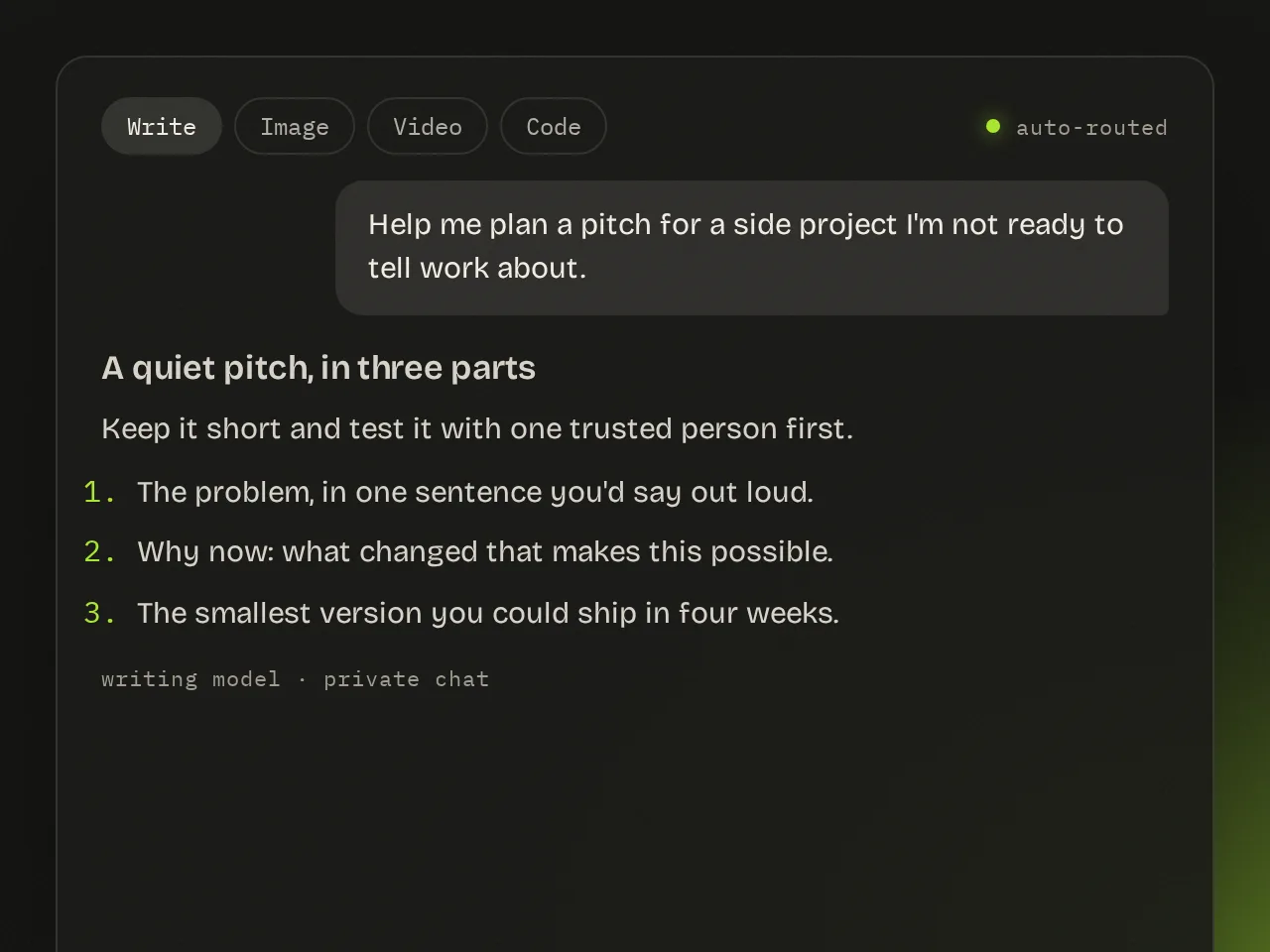
Use Write for questions, drafts and ideas. askdodo routes your request to a suitable model.
Ask a question, develop a draft or work through an idea.
Refine your request with follow-up messages in the same chat.
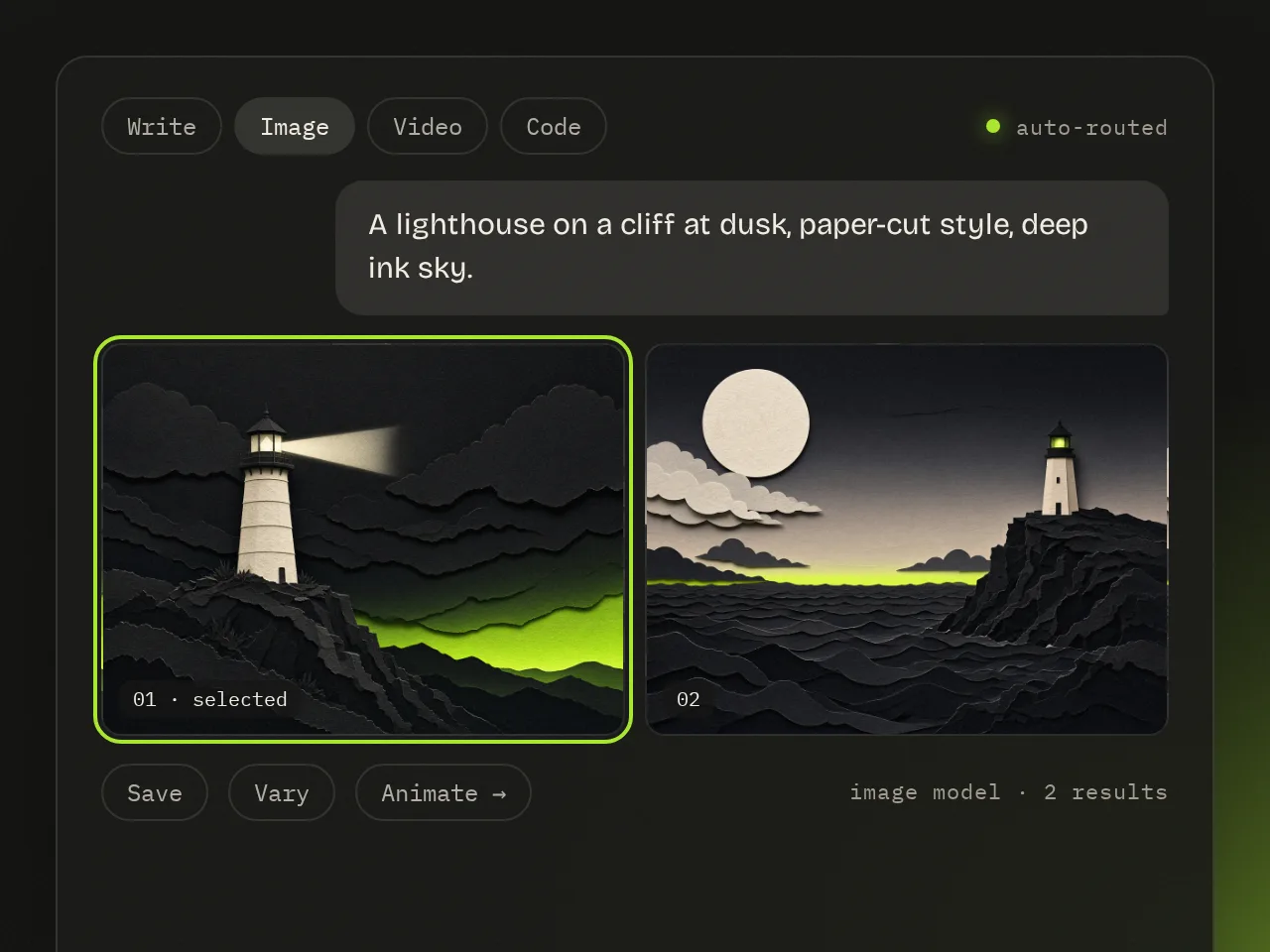
Describe the image you want to create, or add a reference.
Adjust the style, subject and composition through follow-up prompts.
Save the image or use it as a starting point for a video.
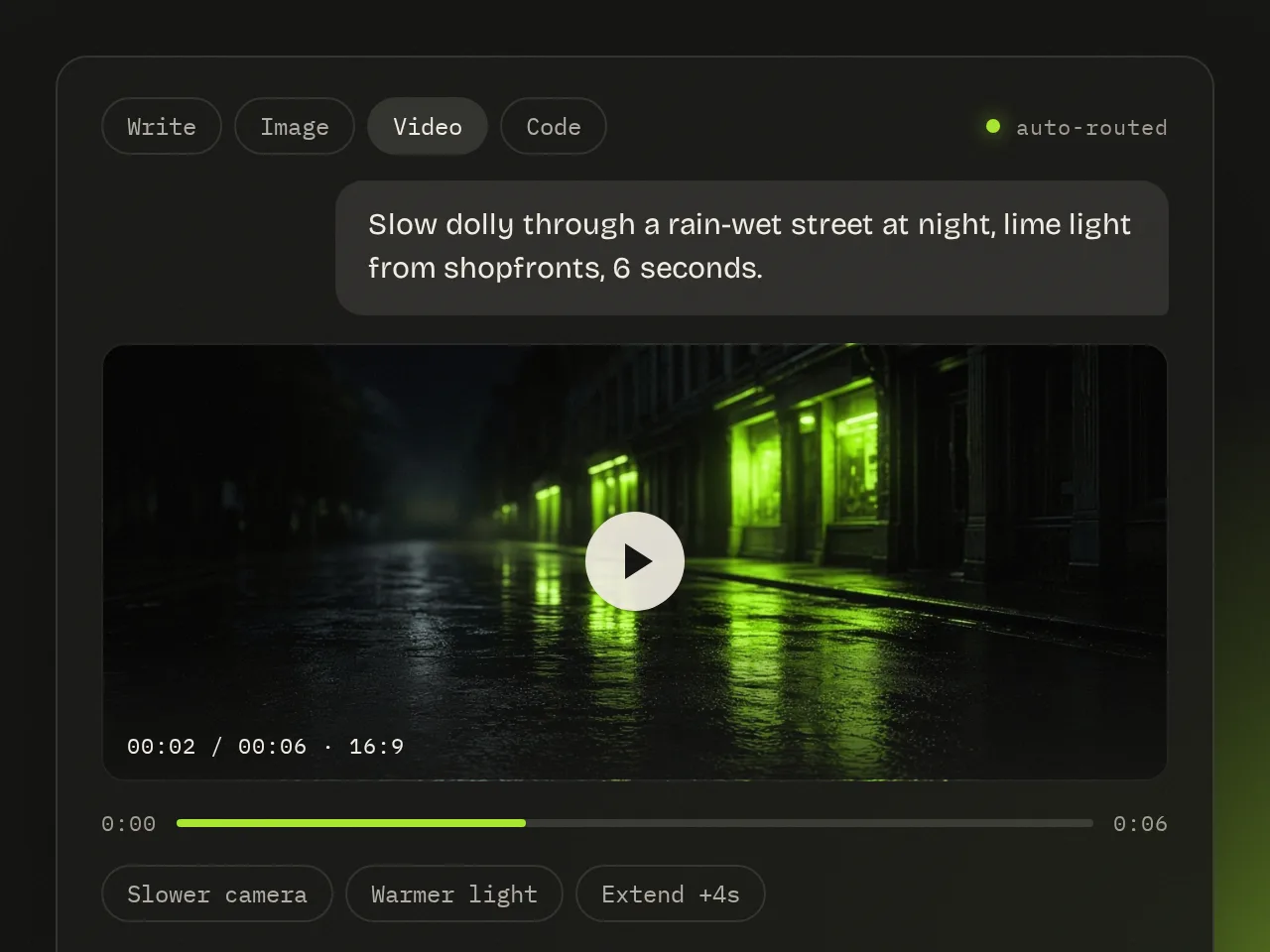
Start with a text prompt or an image.
Specify the look and movement you want. askdodo routes the request to an available model.
Available tools and content limits depend on the model used.
Describe what you want to build, fix or understand.
Generate code, review changes and debug with clear explanations.
Copy scripts or snippets when they're ready to use.
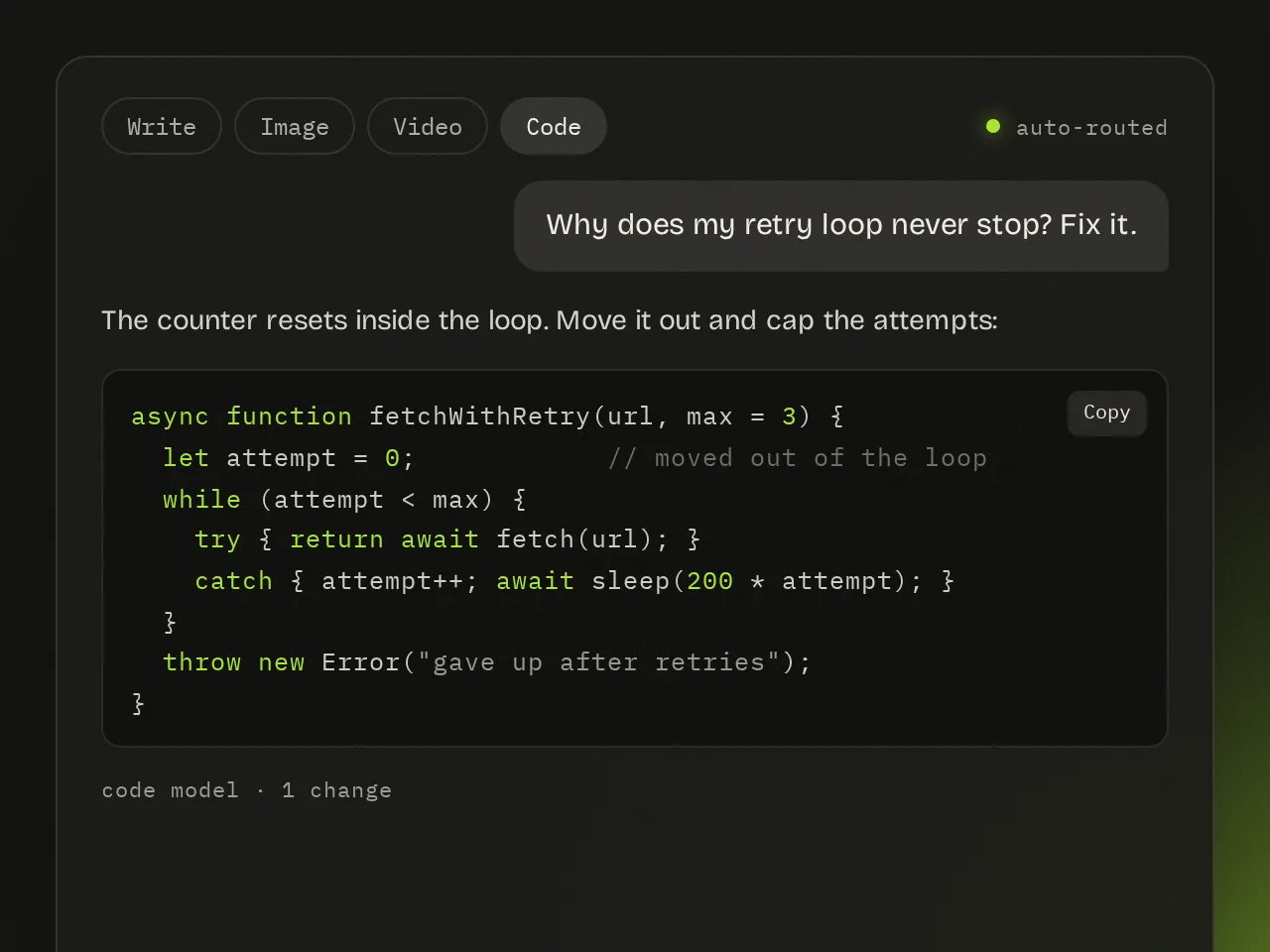
Your saved chat history is encrypted in your browser. You can clear local data at any time.
askdodo routes different requests to different models for writing, images, video and code. Availability and content limits vary by model.
askdodo routes your request automatically.
Sign in to start a conversation.